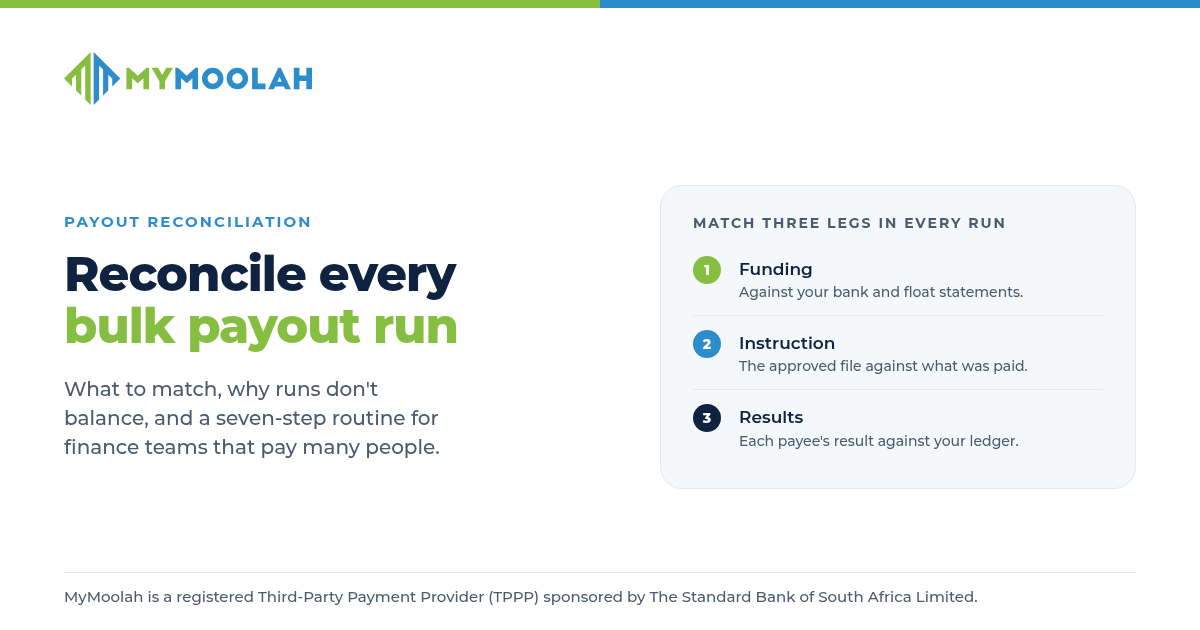

To reconcile a bulk payout, match three things for every run: the money that funded it, the approved payout instruction, and the result for each person paid. Then clear every mismatch, such as a returned payment, a duplicate or a missing reference, before the next run is released. Reconciling run by run is easier than leaving it to month-end.
This guide is for finance, treasury and payments-operations teams at lenders, insurers, employers, sales and incentive programmes, and any business that pays many people. It explains the terms, what to match in each run, why runs don’t balance, a seven-step routine and which records to keep.
What is payout reconciliation?
Payout reconciliation is the check that every payment in a run was made once, to the right person, for the right amount, and that the money that left your account equals those payments plus any fees. At hundreds or thousands of payees a week, you need a fixed routine and someone who owns it.
Terms used in this guide
- Payout run (batch): one set of payments, approved and released together.
- Float: money you pre-fund with a payout provider, from which it pays the people you choose.
- Reference: the identifier that links a payment to its run and its payee, in your records and the provider’s.
- Exception: any payment that doesn’t match, for example one that failed, came back, was paid twice or can’t be traced.
- Return (unpaid): a bank payment sent back by the receiving bank, for example because the account is closed or the details are wrong.
- Maker-checker: one person prepares a run and a second person approves it.
What do you need to match in every payout run?
| Leg | Match this | Against this | What usually breaks it |
|---|---|---|---|
| 1. Funding | The transfer into your payout account or float | Your bank statement and the provider’s float statement | A wrong or missing funding reference; a top-up split across days |
| 2. Instruction | The approved payout file | What the provider actually paid | A file uploaded twice; edits after approval; payees rejected at upload |
| 3. Results | Each payee’s status: paid, failed or pending | Your general ledger and payee queries | Returns that arrive days later; fees charged separately |
When all three legs agree, close the run. When they don’t, log an exception with an owner and a due date, and carry it forward until it is cleared.
Why don’t bulk payouts reconcile?
- Returns arrive after the run. A bank payment to a closed or wrong account can come back days later, after the run looks complete.
- Duplicates. A file uploaded twice, or a payee listed twice, can be paid twice unless a control stops it.
- Changes after approval. Any edit to a file after the checker has approved it breaks the link between what was approved and what was paid.
- Cut-offs split a run. Part of a bank batch can miss a cut-off and settle on the next business day, so daily totals differ. Our comparison of bulk EFT, PayShap and wallet payouts explains how timing differs by rail.
- Fees are handled differently. Some providers take fees from the float and others invoice them. Know which applies, or your totals won’t match.
- Payee details go out of date. People change banks, accounts and phone numbers. Old details turn into failed payments.
How do you reconcile a payout run, step by step?
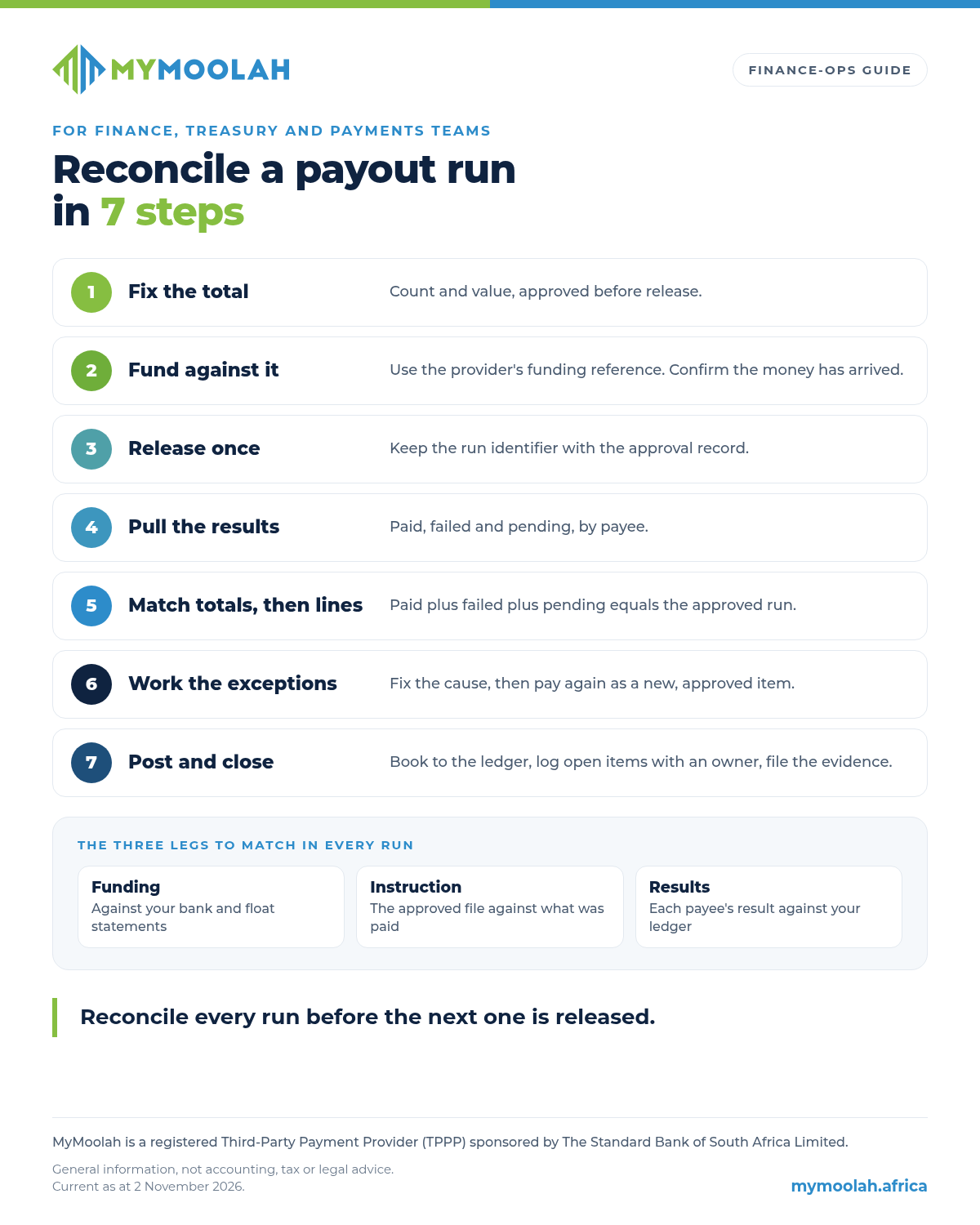
- Fix the run total before release. Record the number of payments and their total value, and have the checker approve both.
- Fund against that total. Use the funding reference your provider gives you, and confirm the money has arrived before you release the run.
- Release the run once. Keep the provider’s run or batch identifier with your approval record.
- Pull the results. Get the provider’s report of paid, failed and pending payments, by payee.
- Match totals first, then line by line. Paid plus failed plus pending should equal the approved count and value.
- Work the exceptions. Fix the cause of each failed payment before you pay it again, and pay it as a new, approved item. Don’t re-upload the whole file.
- Post and close. Book the payments and fees to your ledger, list open exceptions with an owner and a date, and file the evidence.
For lenders, the same routine applies to each disbursement batch; our loan disbursement guide covers the steps before money moves.
What records should you keep, and for how long?
For each run, keep the approved file, the approval record (who approved it and when), proof of funding, the provider’s results report, the exception log and any proof of payment sent to payees. If you pay through MyMoolah, download the float statement from your MyMoolah portal and keep it with each run’s records.
SARS says records must generally be kept for five years from the date the related return is submitted, under the Tax Administration Act, and longer if an audit, objection or appeal is open. Its employer guide also lists what an employer’s payroll records must show, including the remuneration paid, employees’ tax and UIF contributions. Other laws or your contracts may require longer.
Payment providers have duties of their own. SARB Directive 1 of 2007 requires a payer service provider to keep a record of each payment it makes to third persons, including the date, amount and payer, for five years. Ask your provider what it keeps and how you can get copies.
The rules for providers may change. As at 5 November 2026, the SARB’s Authorisation Framework is still the third draft, published for consultation in May 2026, and it is not in force. On 20 October 2026, Reserve Bank Governor Lesetja Kganyago said the SARB intends to publish the final framework by the end of November 2026. He described it as “a clearer activity-based pathway” for non-bank payment firms, which would still face requirements that include governance, operational resilience and reporting. Check your provider’s regulatory status again once the final framework is out. Our guide to third-party payment providers explains the terms.
How do wallet payouts change reconciliation?
MyMoolah is a registered Third-Party Payment Provider (TPPP) sponsored by The Standard Bank of South Africa Limited. Businesses pre-fund a MyMoolah float with one EFT from their own bank account, then pay people into MyMoolah wallets by portal upload or REST API, as our guide to disbursement platforms describes. The platform is built on banking-grade ledgers.
Pay into MyMoolah wallets instantly and free of charge, from your funded float, within each recipient’s verification (KYC) limits.
Because the payouts come from a float you have already funded, the funding leg is one bank transfer to match, and the payout leg is the set of payments made from that float. You don’t need payees’ bank account details, so these payments carry no bank account number that can be closed or mistyped.
Each wallet is in the payee’s own name. Until identity checks are complete, a wallet can only receive money, and limits depend on each payee’s verification (KYC) level. Once verified, payees can send money to other MyMoolah wallets, buy airtime, data and electricity, pay by QR at participating major retailers, send to a South African bank account, or cash out with a bank-issued cardless withdrawal PIN, where available. Free between MyMoolah wallets, up to R100,000, within your verification (KYC) limits. Fees apply to bank transfers and cash withdrawals.
Your business can also earn a share of the revenue from the wallets it pays into, under agreed commercial terms.
Information current as at 5 November 2026. This article is general information, not accounting, tax or legal advice. Confirm current product terms and wallet limits before you integrate.
Reconciling large payout runs? Book a payout demo.
FAQ
What is payout reconciliation?
It is the check that every payment in a payout run was made once, to the right person, for the right amount, and that the money that left your account equals those payments plus any fees.
How often should you reconcile payouts?
Reconcile every run before the next one is released. If you pay daily or weekly and reconcile only at month-end, exceptions are harder to trace.
What should you do with a returned payment?
Find the cause first, such as a closed account or wrong details. Correct the payee’s details, pay again as a new, approved item, and record both the return and the new payment.
How long should payout records be kept in South Africa?
SARS says records must generally be kept for five years from the date the related return is submitted, and longer if an audit, objection or appeal is open. Other laws or your contracts may require longer.
Do wallet payouts need the payee’s bank account number?
No. MyMoolah payouts go into a MyMoolah wallet in the payee’s own name, so you don’t need their bank account details. Limits depend on each payee’s verification (KYC) level.
Sources
- SARS, Record keeping (Tax Administration Act retention periods; accessed 2 November 2026).
- SARS, PAYE-GEN-01-G21, Guide for Employers in respect of Employees’ Tax (2027 tax year), Revision 1 (“Record keeping”, p. 8; accessed 2 November 2026).
- SARB Directive 1 of 2007, payments to third persons (record-keeping, five years; accessed 2 November 2026).
- South African Reserve Bank, Draft Directive in respect of specified payment activities within the national payment system (Authorisation Framework), draft for consultation, May 2026 (accessed 2 November 2026).
- Lesetja Kganyago, “Rewiring Payments: Open. Connected. Inclusive.”, SARB Payments Conference, 20 October 2026 (accessed 2 November 2026).