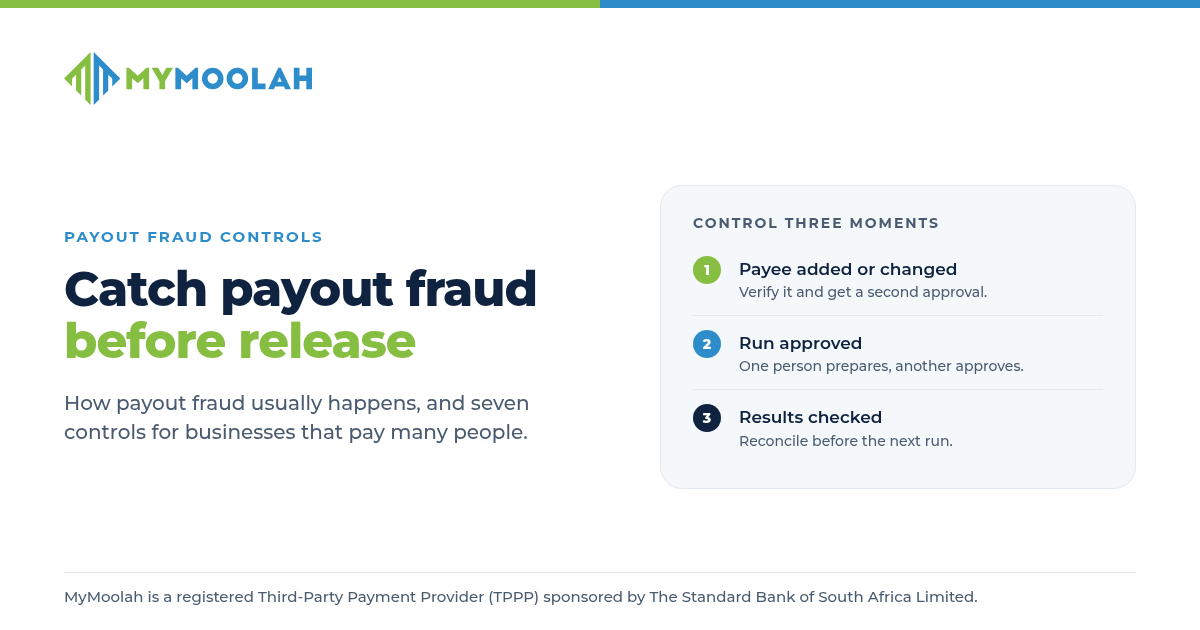

To prevent payout fraud, control three moments: when a payee is added or changed, when a payout run is approved, and when the results are checked. Have one person prepare each run and another approve it, verify every change to payment details, lock the file once approved, and reconcile each run before the next.
This guide is for finance, payroll and payments-operations teams at employers, lenders, insurers, and sales and incentive programmes. It covers how payout fraud usually happens, seven controls that reduce the risk, and what to do when something looks wrong.
Why do payouts attract fraud?
Payout runs move money to many people at once, often on a fixed day and under time pressure. One false payee or one changed account number can hide among hundreds of genuine payments.
The ACFE’s Occupational Fraud 2024: A Report to the Nations, a global study of cases investigated by fraud examiners, found that payroll schemes made up 10% of cases, with a median loss of US$50,000. More than half of all the frauds studied happened because internal controls were missing (32% of cases) or were overridden (19%). The figures are global, not South African, but the lesson carries: most of the risk sits in how the process is run.
Terms used in this guide
- Payee master list: the approved list of people you pay and the details you pay them to.
- Maker-checker: one person prepares a run and a second person approves it.
- Ghost payee: a fictitious person, or someone who has left, who stays on the payee list so that someone else can collect the money.
- Exception: any payment that doesn’t match, for example one that failed, came back, was paid twice or can’t be traced.
How does payout fraud usually happen?
| Pattern | How it works | Control that catches it |
|---|---|---|
| Ghost payee | A fictitious person, or someone who has left, stays on the list and the money goes to a fraudster | Separate who adds payees from who prepares runs; review the list against HR or contract records |
| Changed payment details | A fraudster, or an insider, changes where a real payee’s money goes, often after a convincing email or call | Confirm every change through a contact already on record; review the first payment after a change |
| Duplicate payment | A file is uploaded twice, or a returned item is paid again without cancelling the original | Unique run and payment references; a duplicate check before release |
| Changed amounts | Amounts are edited after approval, or hours, commission or claims are inflated at source | Lock the file once approved; compare each run with source records and with the previous run |
| Payees targeted by scammers | Payees get fake messages, in your name, asking for PINs or one-time codes | Tell payees how you will contact them, and that you will never ask for a PIN or code |
Which seven controls reduce payout fraud?
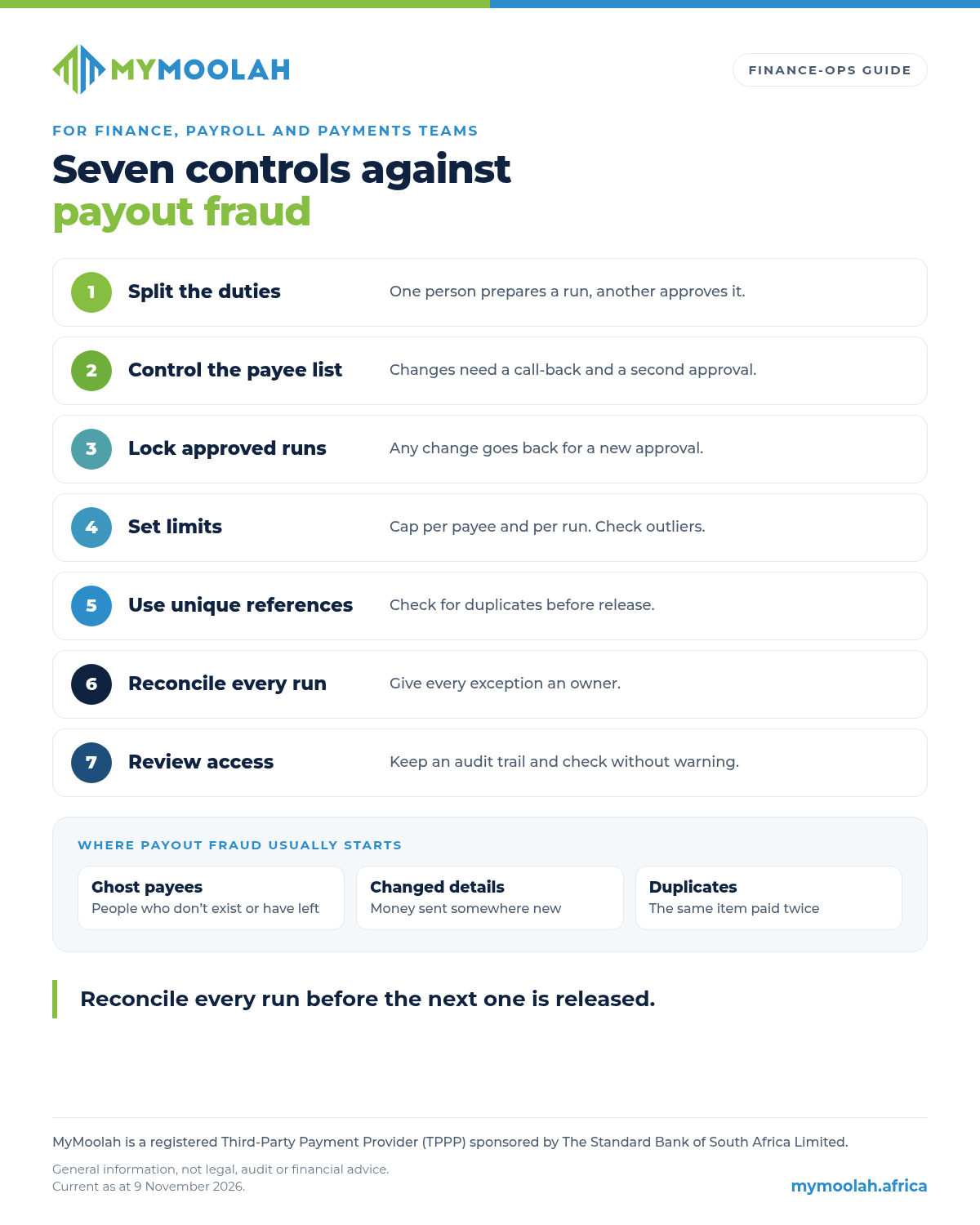
- Split the duties. One person prepares a run and a second person approves it. The person who adds or changes payees should not be the person who releases payments.
- Control the payee master list. Add payees only from approved source records, such as an HR file, a signed agent contract or an approved claim. Any change to payment details needs a second approval and a call-back to a number already on record, not one given in the request.
- Lock the run once approved. If anything changes after approval, the run goes back for a new approval. Keep the approval record with the run.
- Set limits and look for outliers. Cap the amount per payee and per run. Before release, compare the run with the previous one: new payees, larger amounts and several payees sharing the same details deserve a second look.
- Use unique references. Give every run and every payment its own reference, and check for duplicates before release.
- Reconcile every run. Match the funding, the approved file and each payee’s result before the next run is released, and give every exception an owner. Our guide to reconciling bulk payouts sets out a seven-step routine.
- Review access and check without warning. Remove access when people change roles or leave, and keep an audit trail of who did what. The ACFE study found that surprise audits were among four controls linked to at least a 50% reduction in both the median loss and how long a fraud ran.
What should you do if you suspect payout fraud?
Stop the next run until the cause is clear. Keep the evidence: the payout files, approval records, change requests and the people involved. Contact your payout provider and your bank straight away to ask about stopping or recalling payments. Report the matter to the police, and get legal advice before you approach anyone you suspect. Then fix the gap in the process, not only the payment.
How do wallet payouts change the picture?
MyMoolah is a registered Third-Party Payment Provider (TPPP) sponsored by The Standard Bank of South Africa Limited. Businesses pre-fund a MyMoolah float with one EFT from their own bank account, then pay people into MyMoolah wallets by portal upload or REST API, as our guide to disbursement platforms describes. Each run is prepared by one person and approved by another before it is released.
Pay into MyMoolah wallets instantly and free of charge, from your funded float, within each recipient’s verification (KYC) limits.
You don’t need payees’ bank account details, so these payments carry no bank account number that can be changed or mistyped. Each wallet is in the payee’s own name. Until identity checks are complete, a wallet can only receive money, and limits depend on each payee’s verification (KYC) level. Once verified, payees can send money to other MyMoolah wallets, buy airtime, data and electricity, pay by QR at participating major retailers, send to a South African bank account, or cash out with a bank-issued cardless withdrawal PIN, where available. Free between MyMoolah wallets, up to R100,000, within your verification (KYC) limits. Fees apply to bank transfers and cash withdrawals.
Wallet payouts don’t replace the controls above. The payee list, the approvals and the reconciliation still need an owner in your business.
Your business can also earn a share of the revenue from the wallets it pays into, under agreed commercial terms.
Information current as at 9 November 2026. This article is general information, not legal, audit or financial advice. Confirm current product terms and wallet limits before you integrate.
Reviewing how your business pays people? Book a payout demo.
FAQ
What is payout fraud?
Payout fraud is any scheme that makes a business pay money to the wrong person or pay the wrong amount, for example through a fictitious payee, changed payment details, a duplicate payment or an amount edited after approval.
What is maker-checker approval?
It is a control where one person prepares a payout run and a second person checks and approves it before release, so no single person can create and release a payment alone.
How should you verify a change to a payee’s payment details?
Confirm it through a contact already on record, such as a phone number from the payee’s original file, not one given in the change request. Then have a second person approve the change.
How often should you review the payee list?
Review it at least monthly, and whenever someone leaves, changes role or stops working with you. Remove anyone you no longer pay.
Do wallet payouts need the payee’s bank account number?
No. MyMoolah payouts go into a MyMoolah wallet in the payee’s own name, so you don’t need their bank account details. Limits depend on each payee’s verification (KYC) level.
Sources
- Association of Certified Fraud Examiners, Occupational Fraud 2024: A Report to the Nations (payroll schemes, internal-control weaknesses and anti-fraud controls; accessed 9 November 2026).